

The best way to share pictures & videos in a group is Eventograph
Eventograph is a super easy new service to share your photos and videos in a private group.
The best way to share pictures & videos in a group is Eventograph Read More »
Eventograph is a super easy new service to share your photos and videos in a private group.
The best way to share pictures & videos in a group is Eventograph Read More »

Winhance is an easy tool to debloat Windows 11 and optimize settings from one central app. You can even save configs to optimize many PC’s
Debloat Windows 11 & enhance privacy with ‘Winhance’ – Quick & easy Read More »
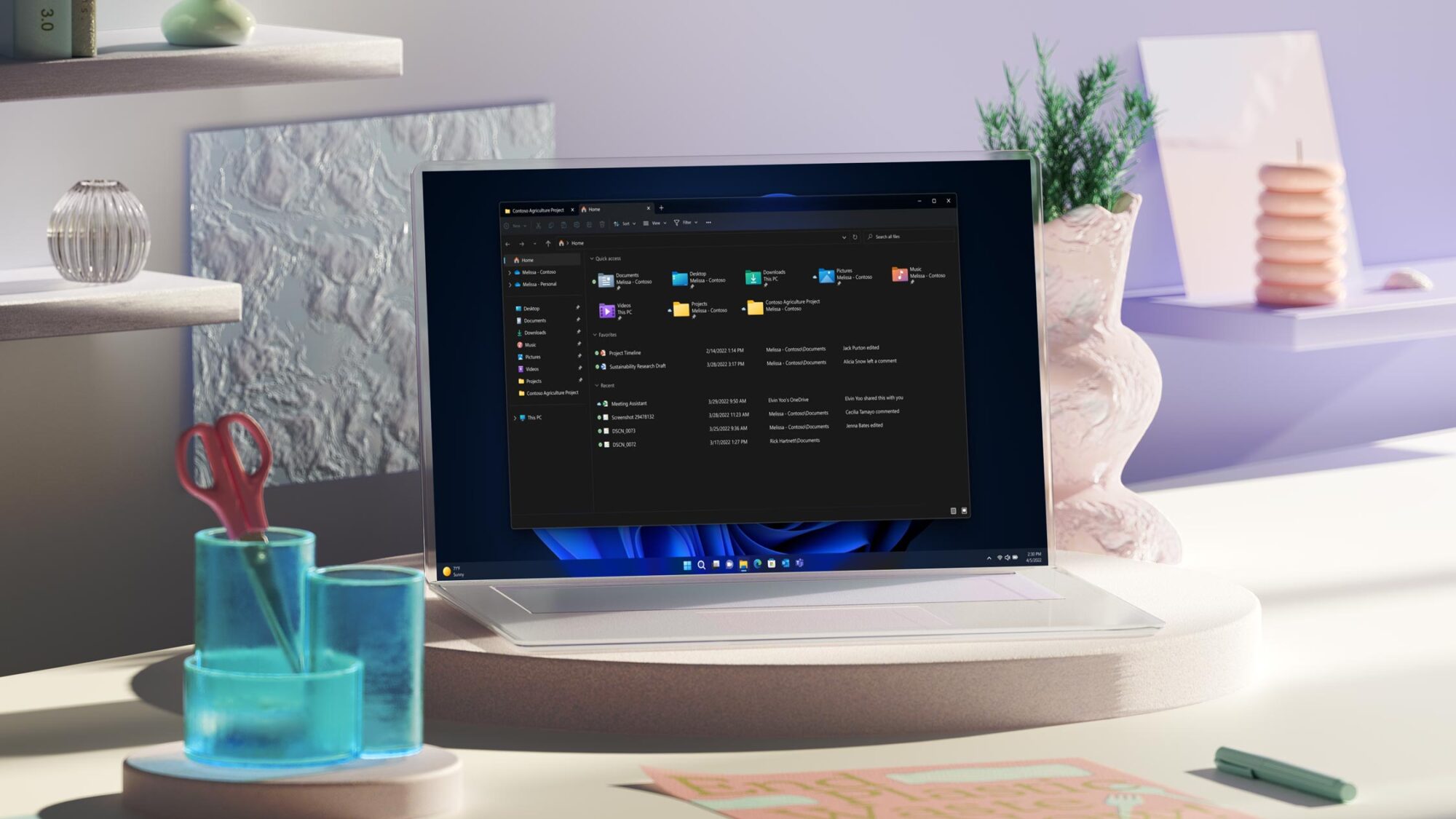
If you installed Windows 11 on an ‘incompatible device’ you won’t get the 25H2 feature update. Luckily this too can be easily bypassed.
Fix: Windows 11 25h2 not showing in windows update on unsupported device Read More »
I have good reasons to keep maintaining and using my own music collection. Yes, it’s extra work and not always as convenient, but here’s why…
Spotify? Yes, but… I still manage my own music library and so should you. Read More »
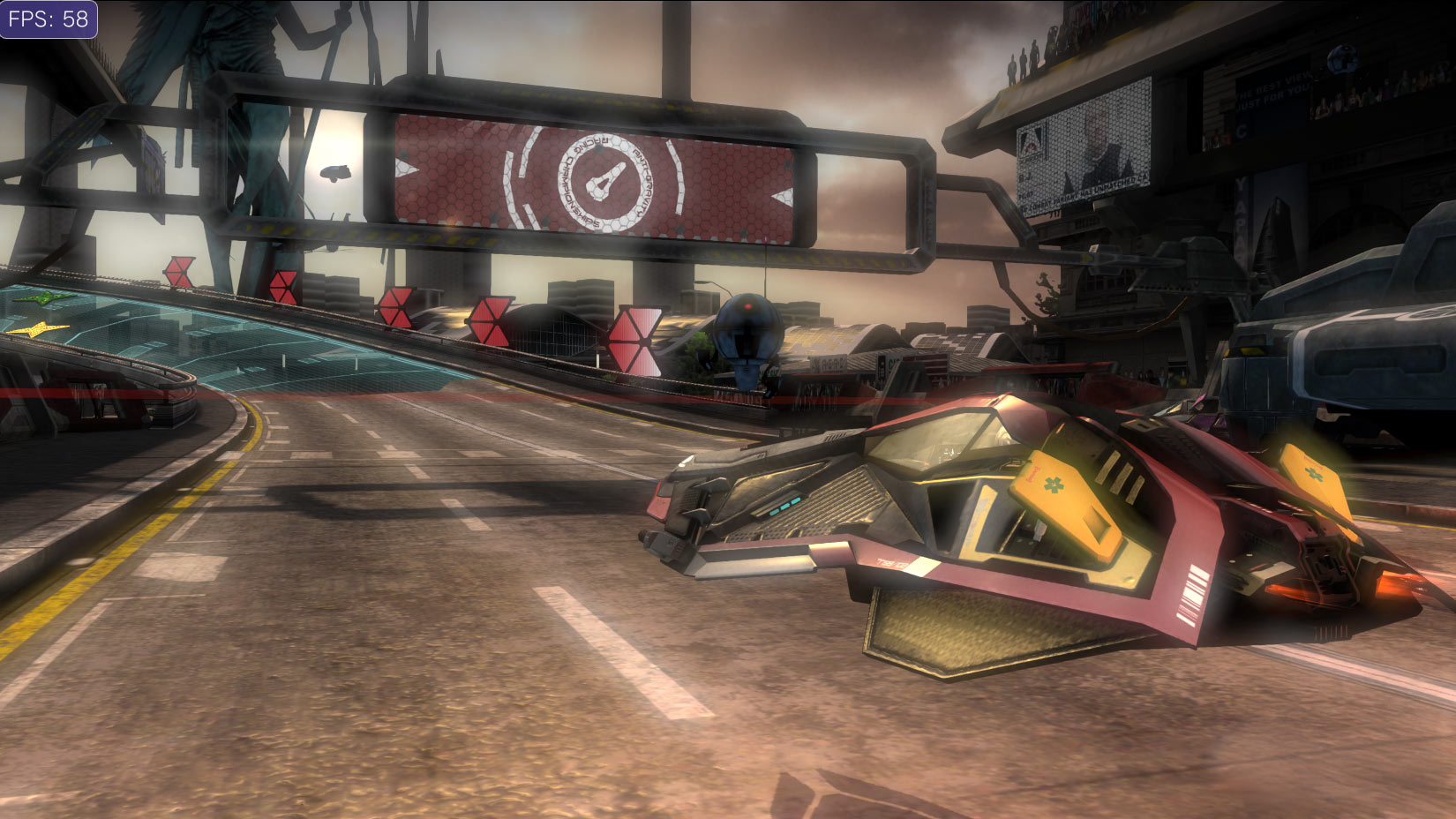
You can play WipeOut 2048 in 60fps, even though it was limited to just 30fps on the PSVITA. It’s easy, you just need to change a few values in the eboot.bin file.
Play WipeOut 2048 in 60fps in Vita3K, here’s how to patch it. Read More »
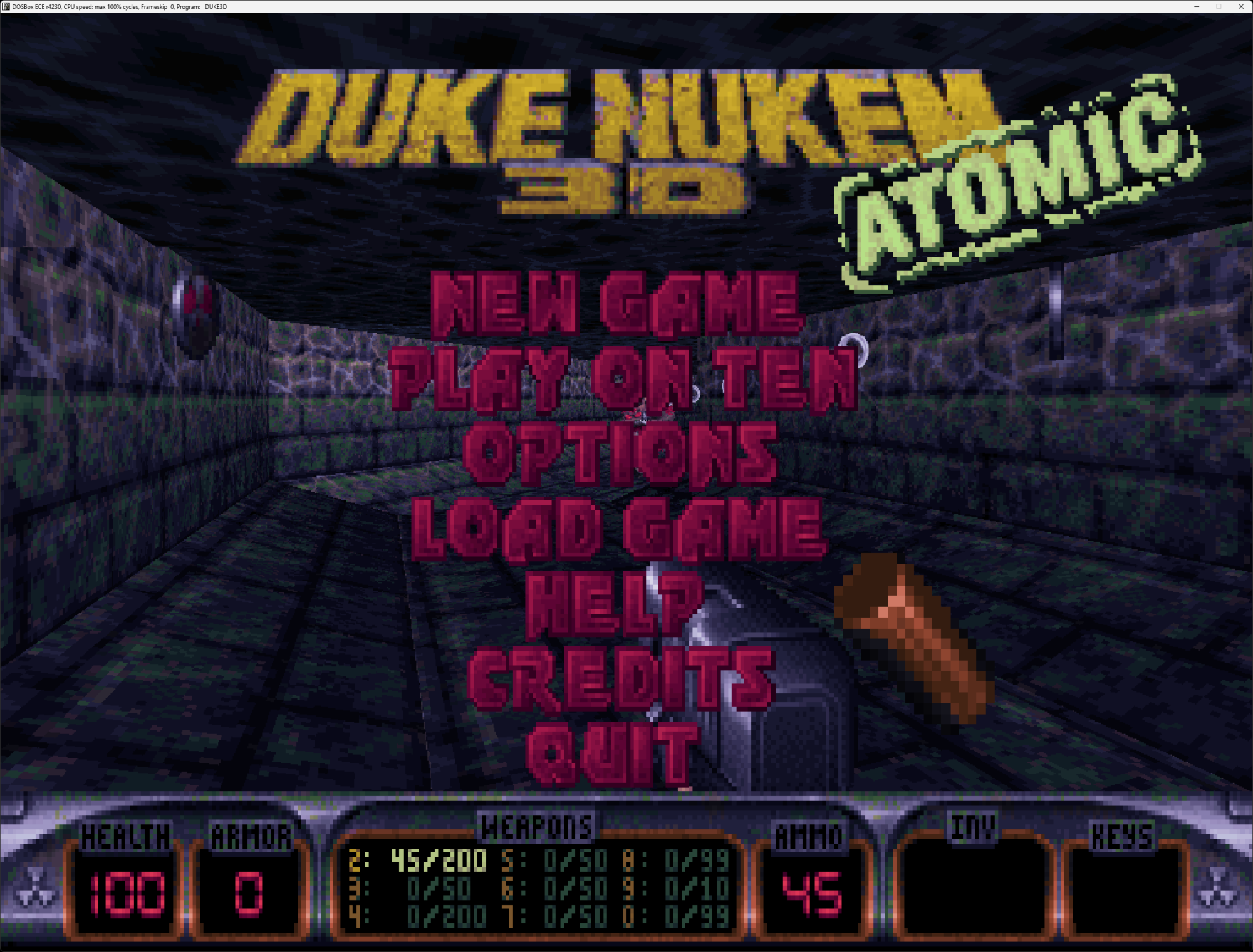
By far the easiest way to download and enjoy any DOS game on modern Windows.
DOS games on Windows 11: Download and play any game for free, easily! Read More »

Transform your screen, or any specific content to a very convincing CRT to experience those real retro-vibes!

This Port Comparison Table shows the USB, Thunderbolt, Displayport and HDMI standards… Each port has its advantages, limitations and certain (in)compatibilities. Even though EVERYONE struggles with the immense complexity of distinguishing these ‘standards’ properly, I couldn’t find any site with a proper comparison table. So, -at best effort- I went to work. Now, before I
Sync your MusicBee Library to an iPhone or iPad in just 5 easy steps.

Convert an mkv file to mp4 in just seconds & lossless! All you need is the free and open source software “FFMPEG” and 1 command line.
